Google Business Profile optimization means making your profile complete, accurate and active so Google can confidently show it to nearby customers. Google ranks local results on three things: relevance, distance and prominence. You can’t change how far a customer is from you, but almost everything else in your profile is in your hands.
Below is the checklist we use when we set up and optimize profiles as part of our local SEO services, built on Google’s own guidelines and updated for the changes Google made in 2025 and 2026.
Google explains its local ranking in its Business Profile Help. Local results are based mainly on:
Google is also clear that there’s no way to pay for a better local ranking. That’s good news for small businesses: the profile that ranks is the one that’s most complete, most accurate and most trusted, not the one with the biggest budget.
Search for your business on Google Maps. If a profile already exists, claim it; if not, create one at business.google.com. Then verify it. Google chooses the verification method based on your business, and it may ask for a short video, a phone call, an email or another check. An unverified profile can’t be fully managed, and Google gives more weight to information it knows comes from the owner.
If you can’t get access because someone else (a former employee or a previous agency) owns the profile, request ownership through the profile itself rather than creating a second listing. Duplicate profiles split your reviews and can get suspended.
Your business name should match what’s on your sign, your website and your invoices. Google’s guidelines for representing your business don’t allow marketing taglines, service descriptions, location words or phone numbers in the name. “Smith Plumbing” is fine. “Smith Plumbing | Emergency Plumber Vaughan” is not.
Adding keywords to the name is one of the most common reasons profiles get suspended. The keywords belong in your categories, description and services, where Google expects them.
Your primary category tells Google what you are, which makes it one of the most important fields in your profile. Google suggests a simple test: pick categories that finish the sentence “This business is a…”, not “This business has a…”. A restaurant with a patio is a restaurant, not a patio.
Google lets you add a primary category plus up to 9 more. Add the ones that describe other real parts of your business, and skip anything you only do occasionally. Fewer accurate categories beat a long list that blurs what you do.
Relevance depends on information, so fill in everything that applies:
Google allows up to 750 characters in the business description. Use it to say what you do, who you serve, where you work and what makes you different, in the words your customers would use. Put the most important information in the first sentence or two, since that’s what people see first.
Google’s profile editing rules don’t allow links or HTML in the description, and it shouldn’t focus on promotions, prices or sales. Keep offers for posts.
If customers visit you at a staffed location, show your address. If you travel to customers and don’t serve them at your address (contractors, cleaners, mobile services), Google asks you to hide your address and set a service area instead. According to Google’s guidelines, a service area generally shouldn’t extend more than about 2 hours of driving from your base.
Getting this wrong, such as listing a home address as a storefront or using a virtual office, is another common cause of suspension.
Photos show customers what to expect before they call or visit. Add your logo and a cover photo, then real photos of your location, your team, your work and your products. Avoid stock images: they don’t show your business, and customers can tell.
Add new photos regularly rather than all at once. A profile with recent photos looks active, and it gives customers a current view of your work.
Reviews feed directly into prominence, and they’re often the deciding factor for customers comparing businesses. Ask every customer for a review after a job is done, and make it easy with a direct link from your profile.
Know the rules. Google’s content policy doesn’t allow businesses to offer incentives (such as payment or discounts) for reviews, to ask only happy customers for reviews, or to discourage negative ones. Reviews obtained this way can be removed, and Google can restrict your profile from receiving new reviews.
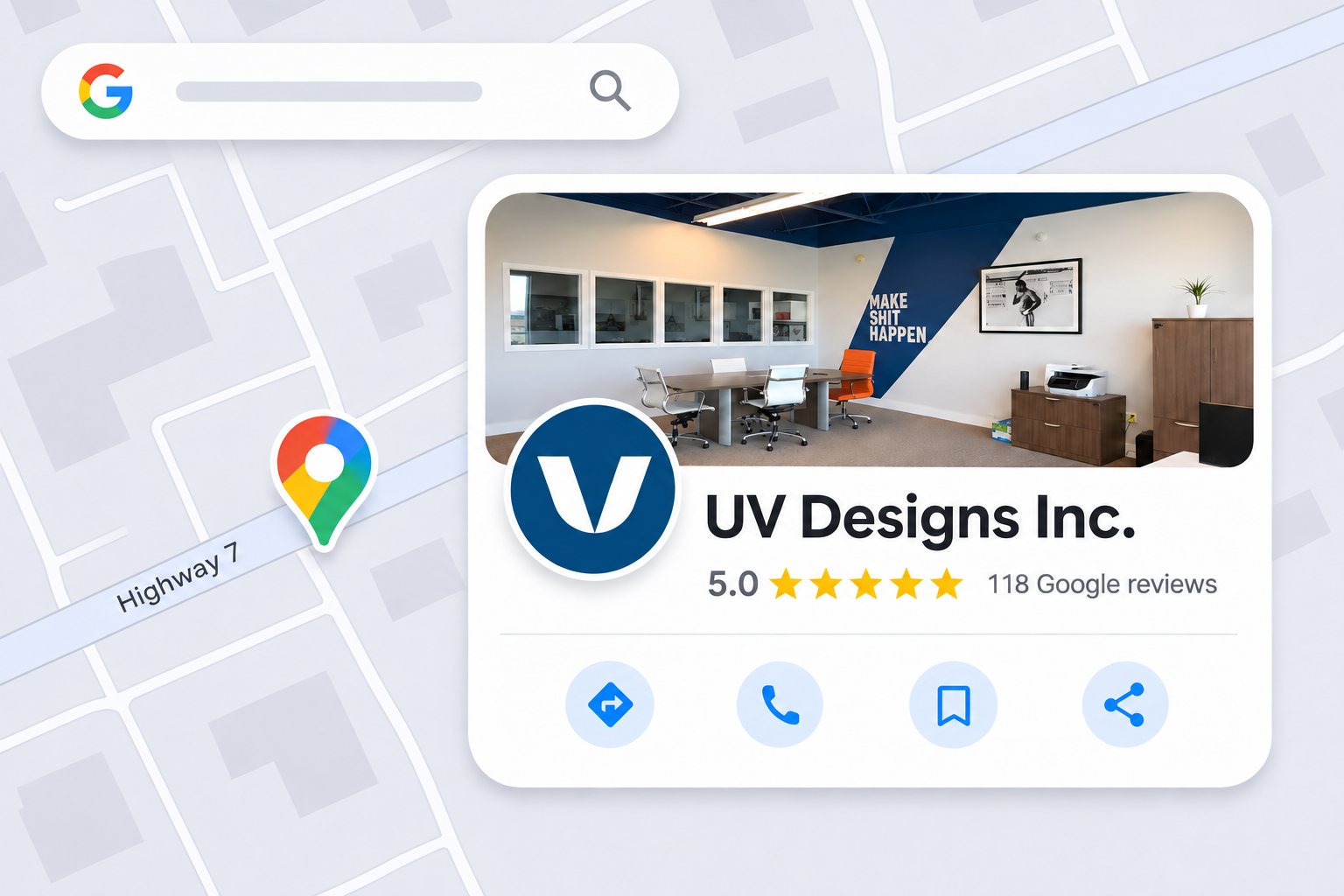
Reply to every review, positive or negative. Thank people by name, mention the service where it fits, and handle complaints calmly with an offer to take the conversation offline. We do this on our own profile, which has over 100 five-star reviews: replies show future customers how you treat people, especially when something went wrong.
Posts let you share news, offers and events directly on your profile. Use them for anything a customer would care about: a new service, a seasonal offer, a recent project, holiday hours. Google doesn’t set a required frequency. We recommend posting whenever you have something real to share, and at least monthly so the profile never looks abandoned.
Google compares your profile with what it finds elsewhere online: your website, directories, social profiles and industry listings. If your business name, address or phone number differs between them, Google has less confidence in your details.
Make sure your website footer and contact page match your profile exactly, then check the main directories for your industry. Links from local sources also build prominence; we cover some options in 4 high-quality local sources of links for SEO.
Many Google Business Profile guides still describe features that no longer work the way they used to:
The practical takeaway: Google’s AI answers are only as good as the information you give it. Complete fields, a clear description, detailed services and real reviews are what it draws on, so the checklist above matters more now, not less. Answer common customer questions on your website as well, where you control the wording.
Your profile’s Performance report shows how people find and use it. Google’s performance help page explains each metric. The ones worth watching monthly:
Note that these numbers include activity from Google Ads as well as free results. To see what visitors do after they reach your site, add tracking tags (UTM parameters) to your profile’s website link so those visits show up separately in Google Analytics.
Compare month to month, not week to week, and look at the search terms. They tell you which services people associate with your business, and whether your categories and description are working.
If your profile is suspended, fix the issue first, then request reinstatement through the profile. Don’t create a new one.
There’s no fixed timeline. Google reviews edits before they go live, and changes to categories, services and descriptions affect which searches you appear for once they’re published. Prominence builds more slowly, through reviews, links and consistent activity. Track your Performance report monthly to see the trend.
Yes. Creating, verifying and managing a Google Business Profile is free, and so is appearing in local results and on Google Maps. You only pay if you choose to run Google Ads, which can also show your profile in ad placements. Ads don’t improve your free local ranking.
The most common reasons are a suspension for breaking Google’s guidelines, a recent edit that triggered a review, the profile being merged with a duplicate, or the business being marked as closed. Sign in to your profile to check for a notice, fix anything that breaks the guidelines, and request reinstatement if needed.
Google doesn’t require a set frequency. Post when you have something useful to share, such as an offer, event, new service or recent project, and aim for at least once a month. Regular posts keep your profile looking active and give customers a reason to choose you over a quieter competitor.
No. Google’s guidelines require your business name to match your real-world name on your signage, website and stationery. Adding services or locations to the name breaks the guidelines and is a common cause of suspension. Put those keywords in your categories, description and services instead.
In December 2025 Google stopped showing the Q&A section on Google Maps and introduced an “Ask” button that gives customers instant AI answers. Those answers draw on your profile information and reviews, so the best way to influence them is a complete, accurate profile and genuine reviews.
We set up and optimize Google Business Profiles as part of our local SEO services, from categories and services to photos and review strategy, for businesses across Vaughan, Woodbridge and the GTA. Rated five stars by over 100 clients on Google, and a Google, Shopify and Meta Partner. Get a free estimate.


